
Microsoft Word
Microsoft Word for Android is the mobile version of Microsoft's word processor. This page covers build 16.0.20228.20090.
140.5 MB
1.26.351.03.90 · Google LLC · Page updated
Google Docs is Google's free word processor with real-time collaboration. This page covers the Android app, version 1.26.351.03.90.
Average 0.0 · ratings: 0
Thank you! Your rating is saved; you can change it. Could not save the rating. Please try again later. Too many ratings from your network today. Please try again tomorrow. The average appears after 5 ratings.
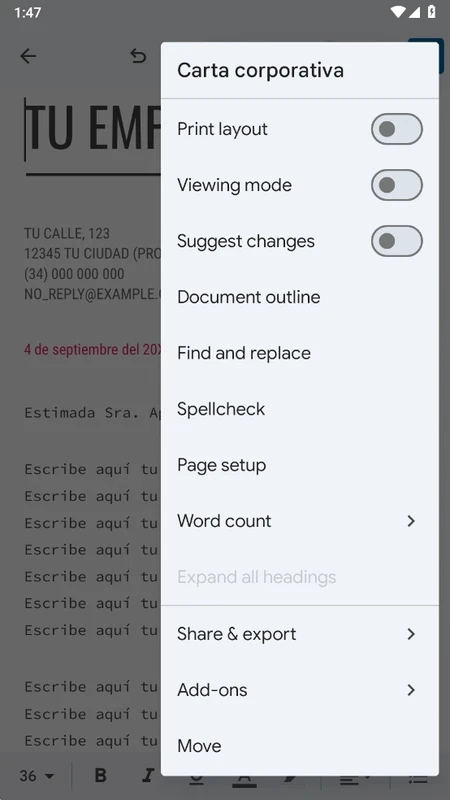
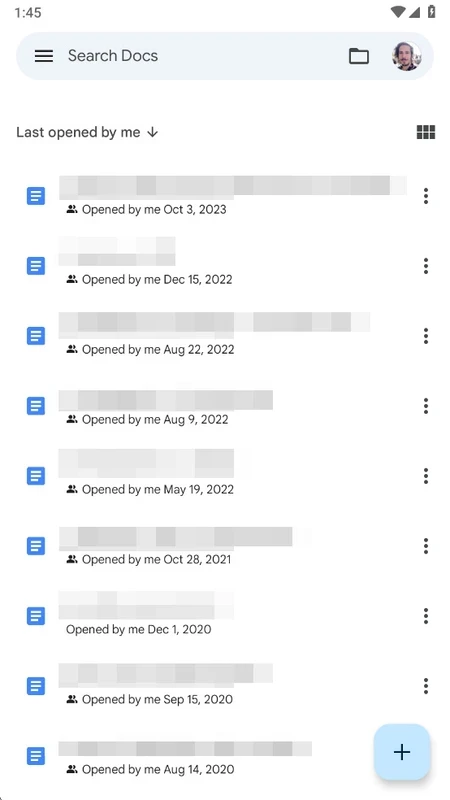
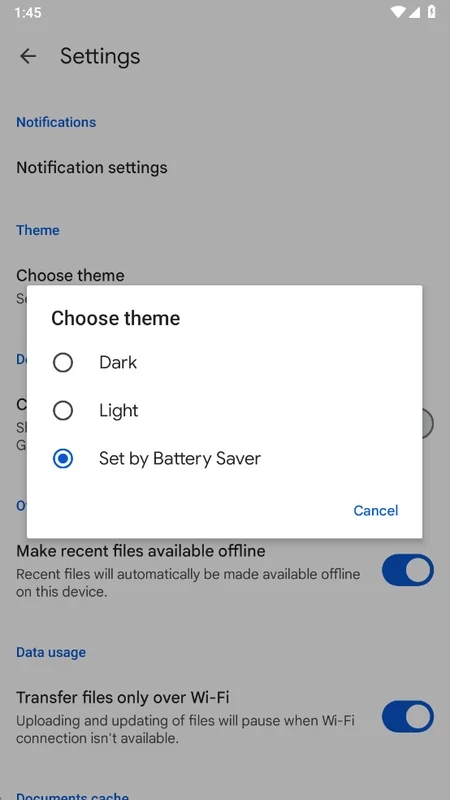
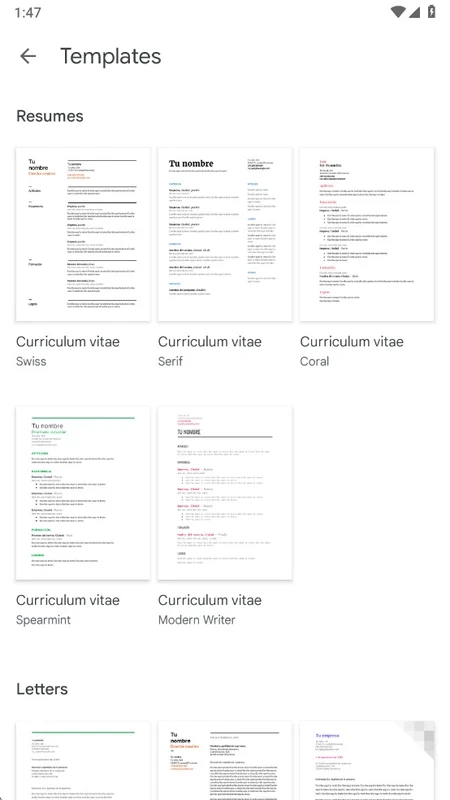
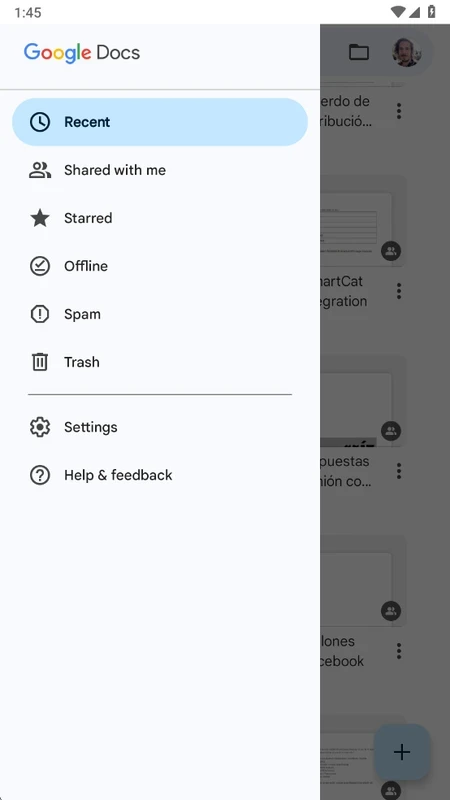
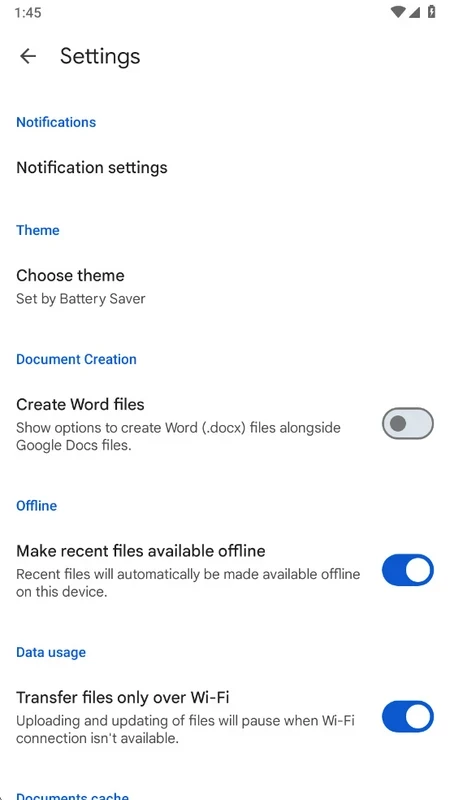
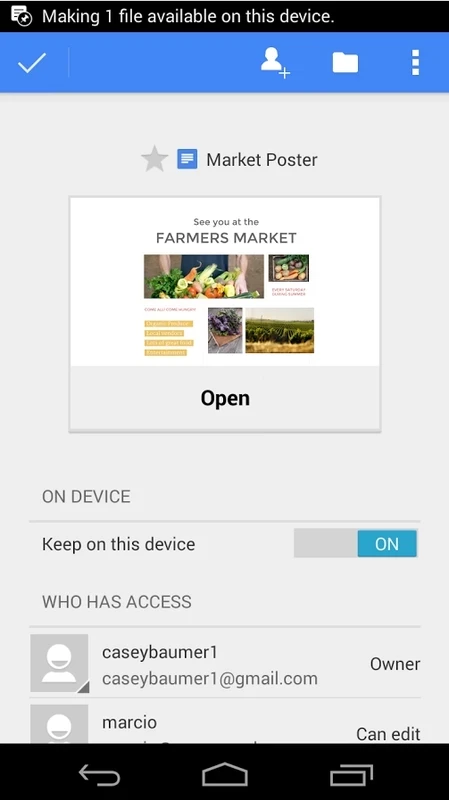
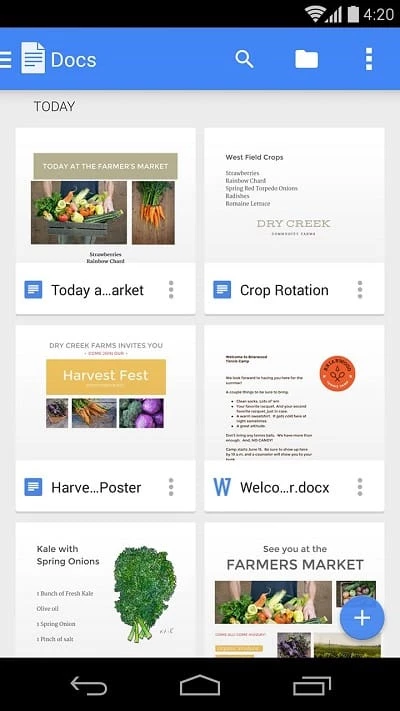
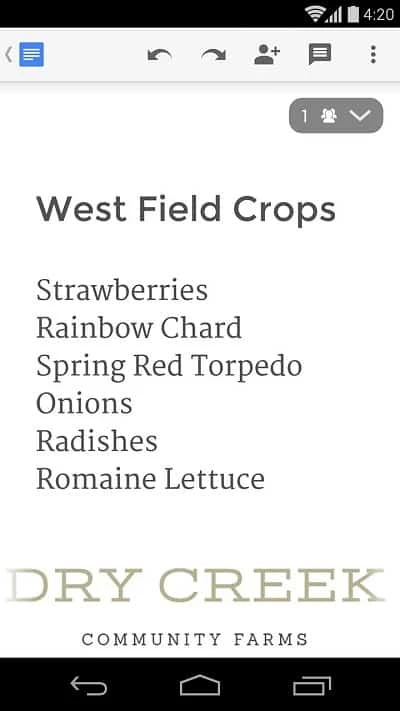
Google Docs for Android, version 1.26.351.03.90, is the mobile app of Google's free online word processor. You can download it from Google Play and write, edit and share documents from your phone; below we look at who gets the most out of it.
Google Docs is a word processor that lives in the cloud. It first appeared in October 2006 and is now part of Google's suite of online office apps. Documents are stored in your Google account instead of on the phone, so the same file opens on Android, in a browser on Windows or macOS, and on a Chromebook. The key idea is real-time collaboration: several people can type in one document at the same moment, leave comments and see each other's changes as they happen. Changes are stored in the account as you type, so there is no separate save step to forget. The Android app brings that to a small screen with a simplified toolbar. It is not meant for heavy desktop publishing, but for drafts, notes, shared lists and quick fixes it is hard to beat for convenience.
If you often work without a connection, need complex page layouts or must keep files outside a cloud account, a traditional office app will fit better.
More about the product is on the official page, google.com/docs/about, and in a browser the editor opens at docs.google.com.
The app package is about 128.01 MB according to catalogue data. Google does not list separate Android requirements for Docs here; you need a device with Google Play and a Google account.
Install the app only from Google Play. Protect your Google account with two-step verification, because anyone who gets into the account can read every document. When you share a file, prefer named people over public links.
Google Docs is free with a Google account. Businesses can pay for Google Workspace plans with extra admin features and storage.
Other office apps for Android in our listings: Microsoft Word, Microsoft Office 365, Google Sheets for spreadsheets and Adobe Acrobat Reader for PDFs.
Microsoft Word for Android is the mobile version of Microsoft's word processor. This page covers build 16.0.20228.20090.
Google Sheets is Google's free spreadsheet app with real-time collaboration. This page covers the Android app, version 1.26.351.01.90.

Adobe Acrobat Reader for Android is Adobe's free app for opening, reading, commenting on and signing PDF files on a phone or tablet.
Microsoft Excel for Android is Microsoft's spreadsheet app for phones and tablets. This page covers build 16.0.20228.20090.